I know this is old news, but this post is primarily a reminder to myself – I keep forgetting! If you try to open a recently downloaded (or installed) help file (*.chm) in Vista, you will get the following message:
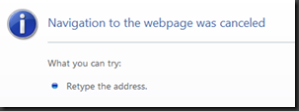
Navigation to the webpage was canceled. Retype the address.
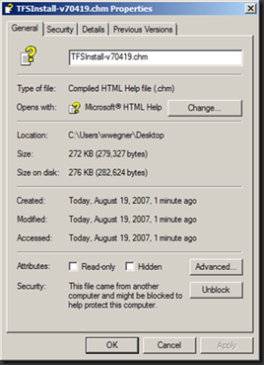
In order to view the help file, you have to right-click the file, choose Properties, and then click Unblock.
Thanks to Bill Evjen’s for the reminder.